Performance engine
Built on Sodium, Lithium, FerriteCore and ImmediatelyFast, plus our own occlusion and particle culling. The frame rate drops when the game is in the background.
A Minecraft client that looks as good as it plays. Higher frame rates, a HUD you arrange yourself and 49 original cosmetics, all from one launcher.
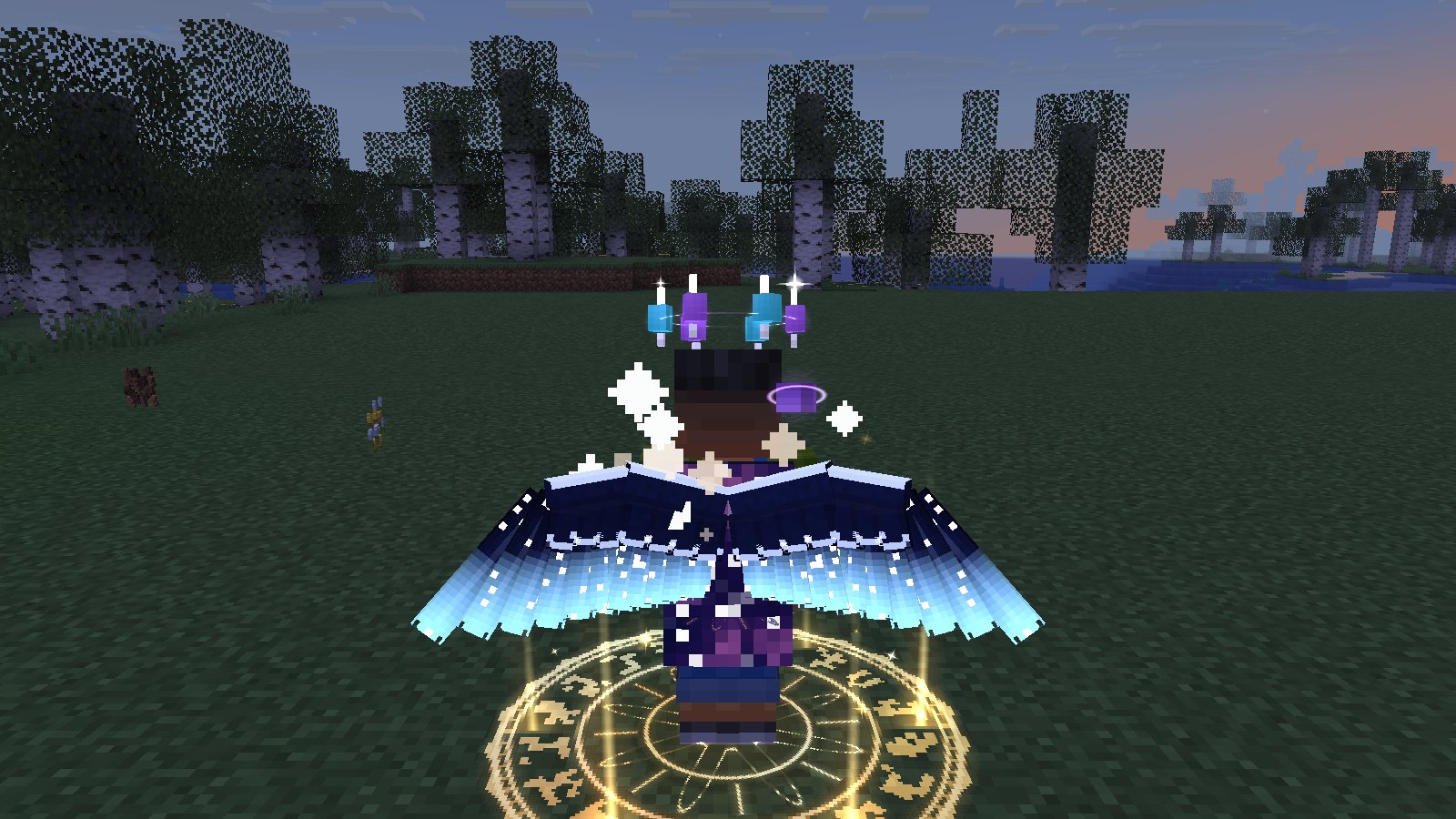
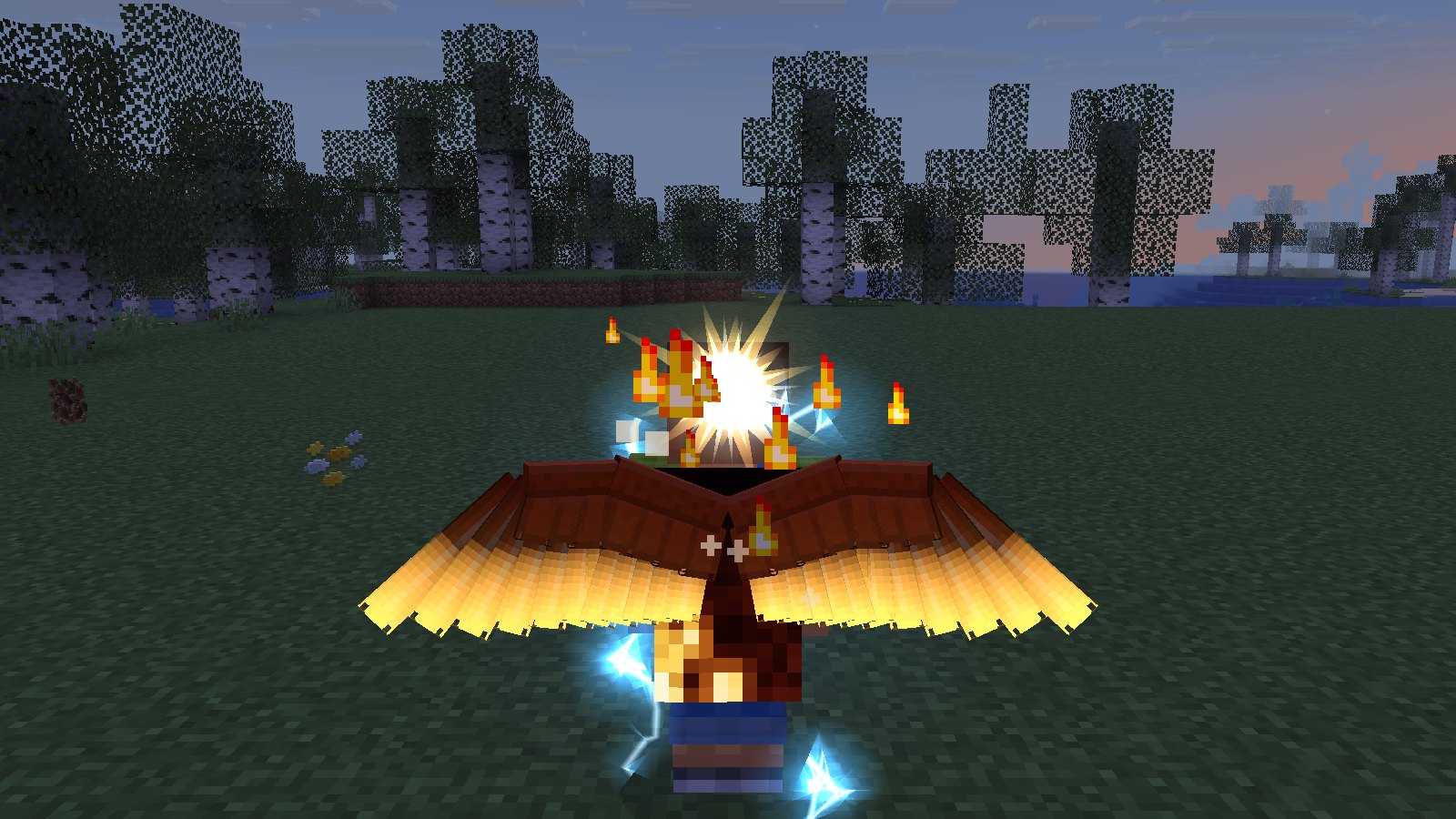
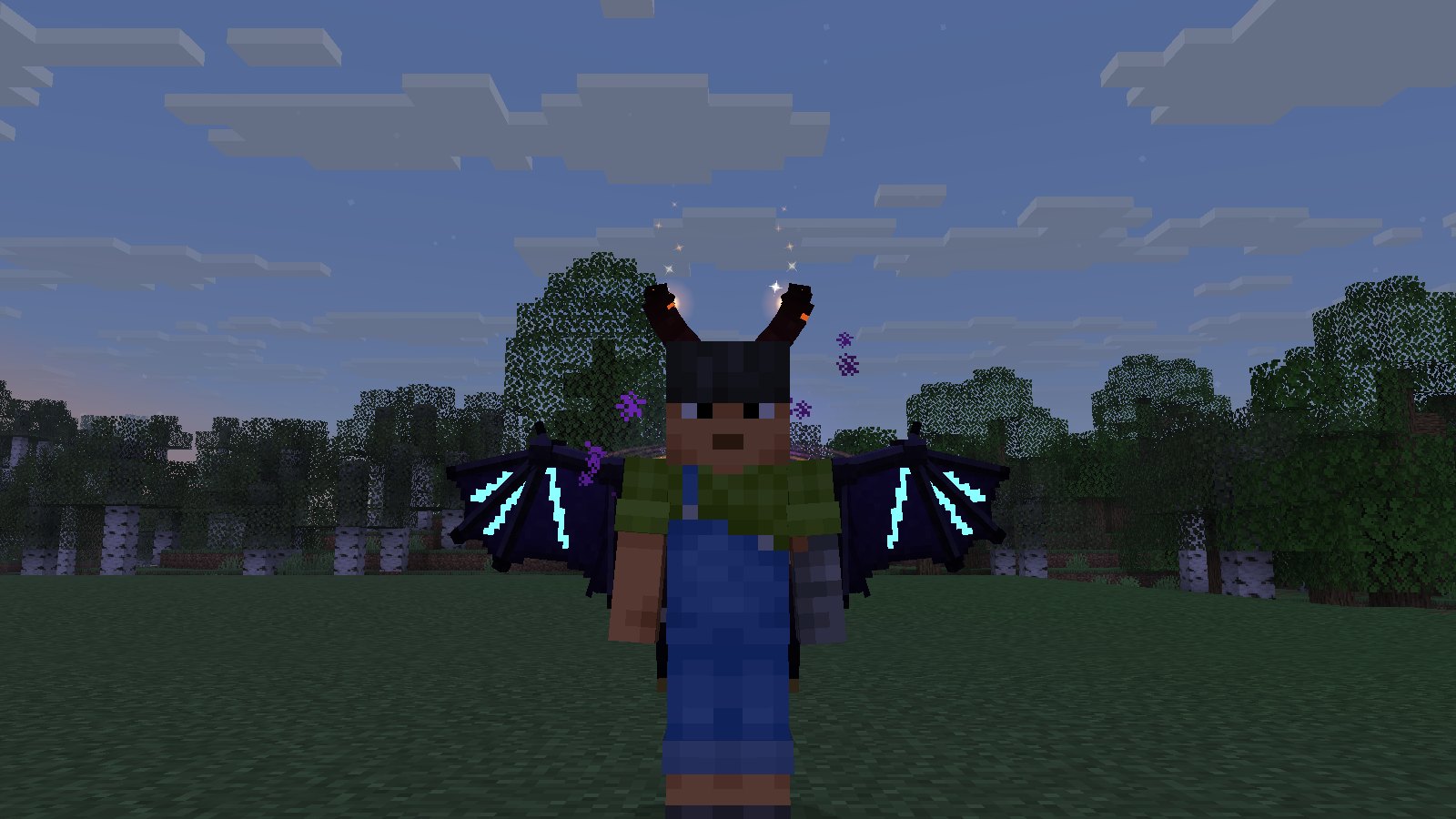

Install, sign in with Microsoft and press Play. Every screenshot on this page is LumeClient running in game.
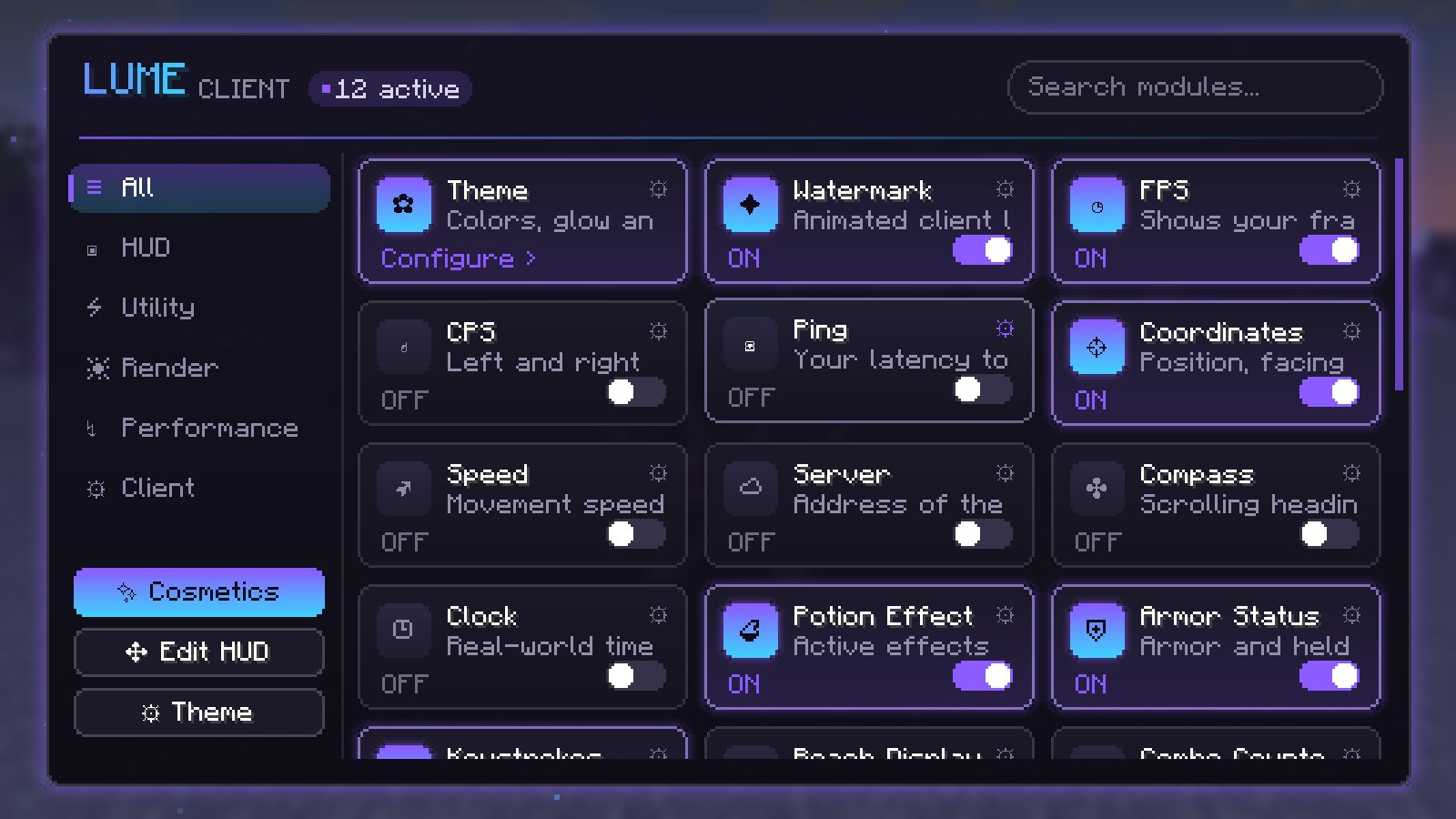
Sixteen HUD modules, from keystrokes and CPS to armor and potion timers. Drag them anywhere in the HUD editor, and they keep your theme colours.
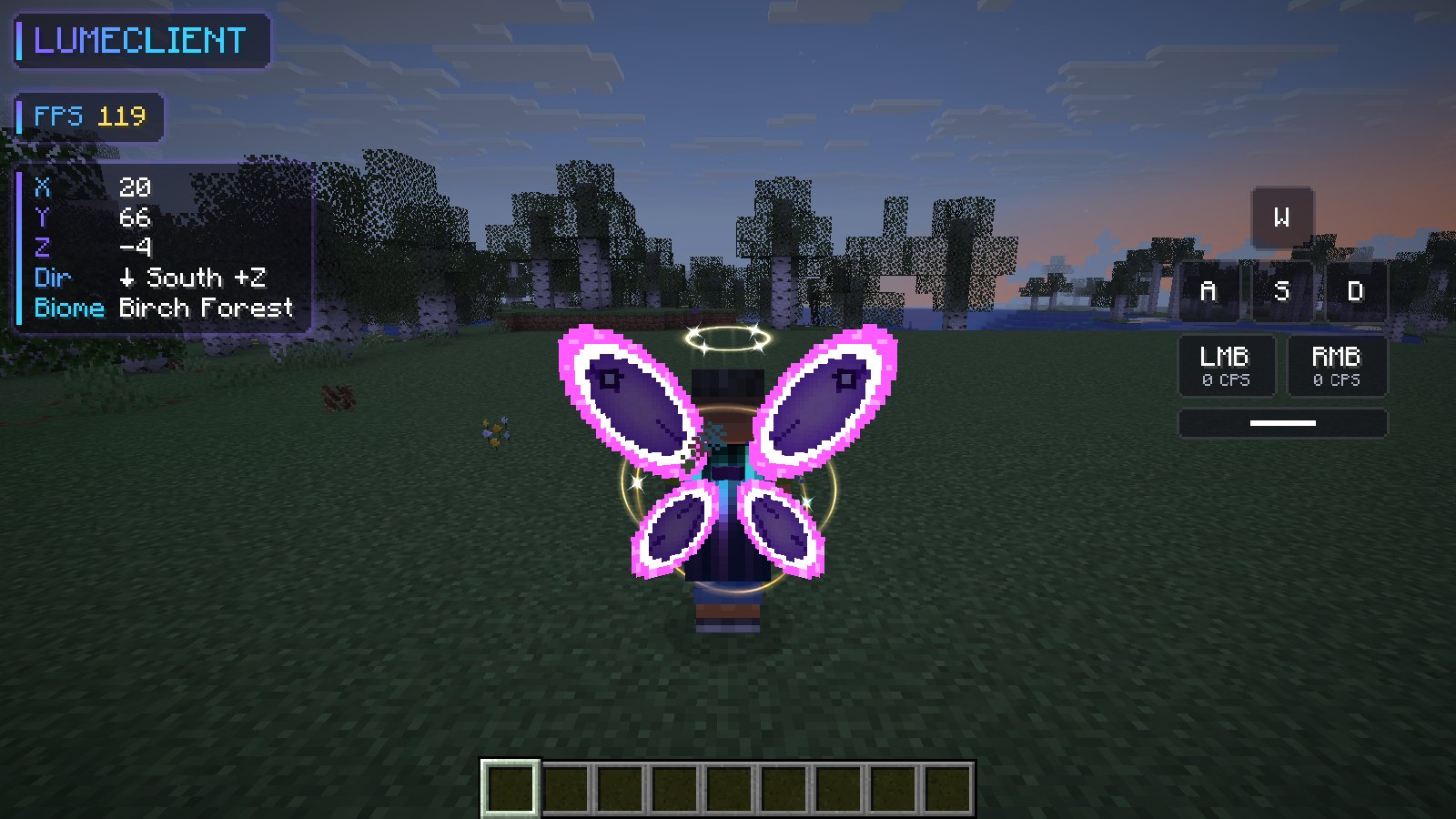
Right Shift opens the LumeClient menu: search modules, flip them on, tweak their settings and pick a theme. The title screen and pause menu get the same treatment.
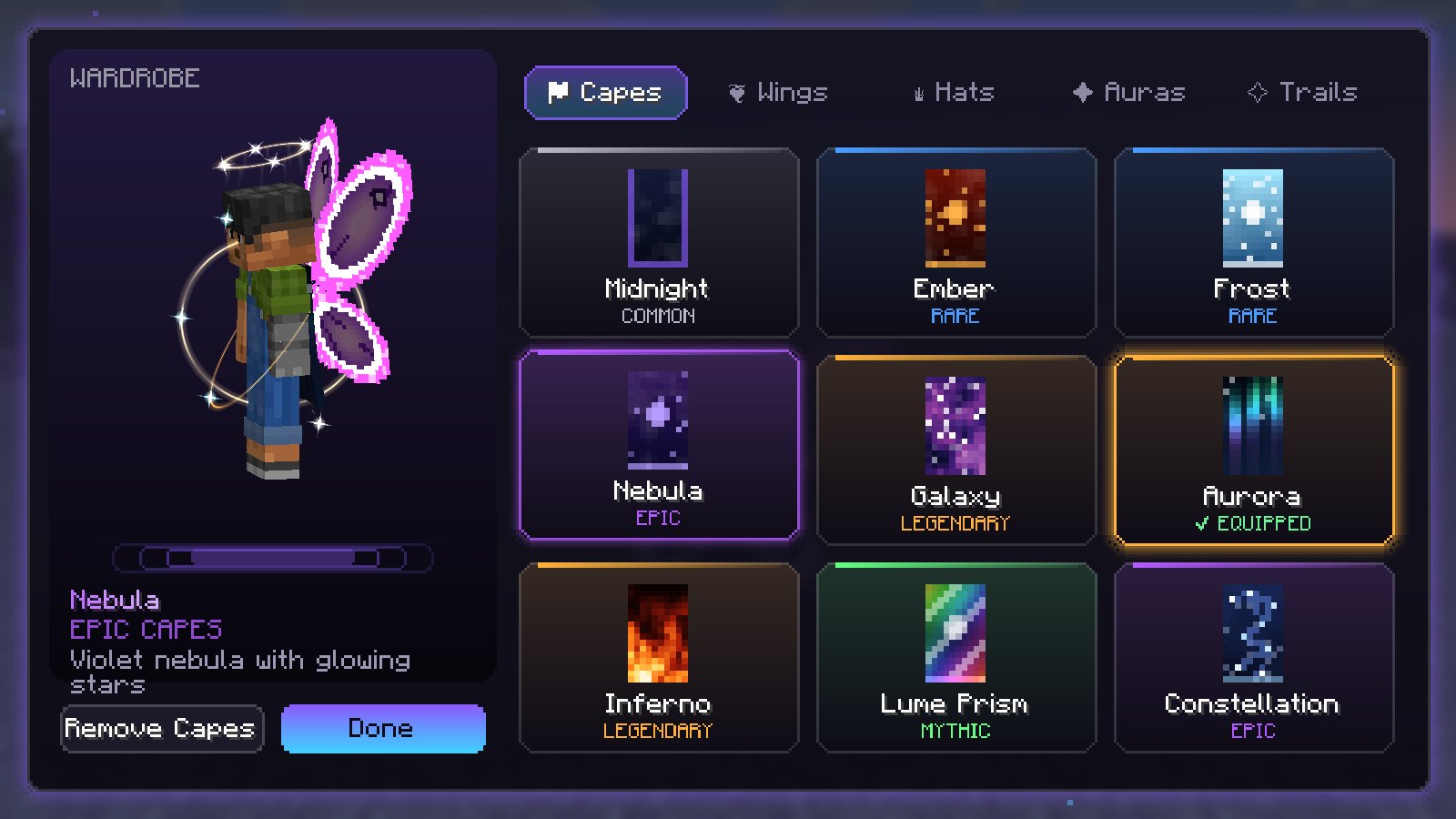
Capes with real cloth physics, animated wings, hats, auras and trails. Try them on in game, or sign in here to pick your look; everyone with LumeClient sees it.
Built on Sodium, Lithium, FerriteCore and ImmediatelyFast, plus our own occlusion and particle culling. The frame rate drops when the game is in the background.
Zoom, toggle sprint and sneak, fullbright, lower fire, hit colour and a clean crosshair. The small things that make every session nicer.
No hacks and no unfair advantages. LumeClient only adds what servers allow, so you can play anywhere with it.
Every cape is painted by LumeClient itself, frame by frame. Pick one to try it on.
Every version gets the full client. Switch in the launcher at any time; your settings and cosmetics come with you.
The latest Minecraft release with everything LumeClient offers.
The version lumennox.net runs on. The best place to start.
For servers and modpacks that stay on 1.20.1.
LumeClient is made by the team behind lumennox.net. Jump in, say hi on Discord, or support the server in the store.
Java Edition · 1.21.11
News, support, giveaways and the people you'll meet in game.
Join the Discord →Ranks, perks and LumeClient cosmetics. Every purchase keeps the server running.
Visit the store →Run the installer. It adds LumeClient to your desktop and Start menu.
Use the account that owns Minecraft: Java Edition. Your password only ever goes to Microsoft.
The launcher downloads the game and Java for you, then keeps everything up to date.
Yes, the launcher and the client are free. Cosmetics are bought with your Lumennox account in the lumennox.net store, and every purchase supports the server.
Yes. You sign in with the Microsoft account that owns Minecraft: Java Edition, the same one you use in the official launcher.
It's optional. Sign in with your lumennox.net account to choose your cosmetics on this website and in the launcher, buy cosmetics, and link your Minecraft account so other players see what you wear.
You sign in to Minecraft on Microsoft's own login page, and to Lumennox on lumennox.net. LumeClient never sees either password.
LumeClient is built to be fair: no hacks and no features that give you an unfair advantage. Always follow the rules of the server you play on.
Not yet. LumeClient is Windows-only for now.
Download LumeClient and join lumennox.net in a few clicks.