Download
Get LumeClient for Windows.
One installer. It adds the launcher to your desktop, downloads Minecraft and Java for you, and keeps itself up to date.
LumeClient runs on Windows for now. Open this page on your PC to download.
- Version
- —
- Released
- —
- Price
- Free
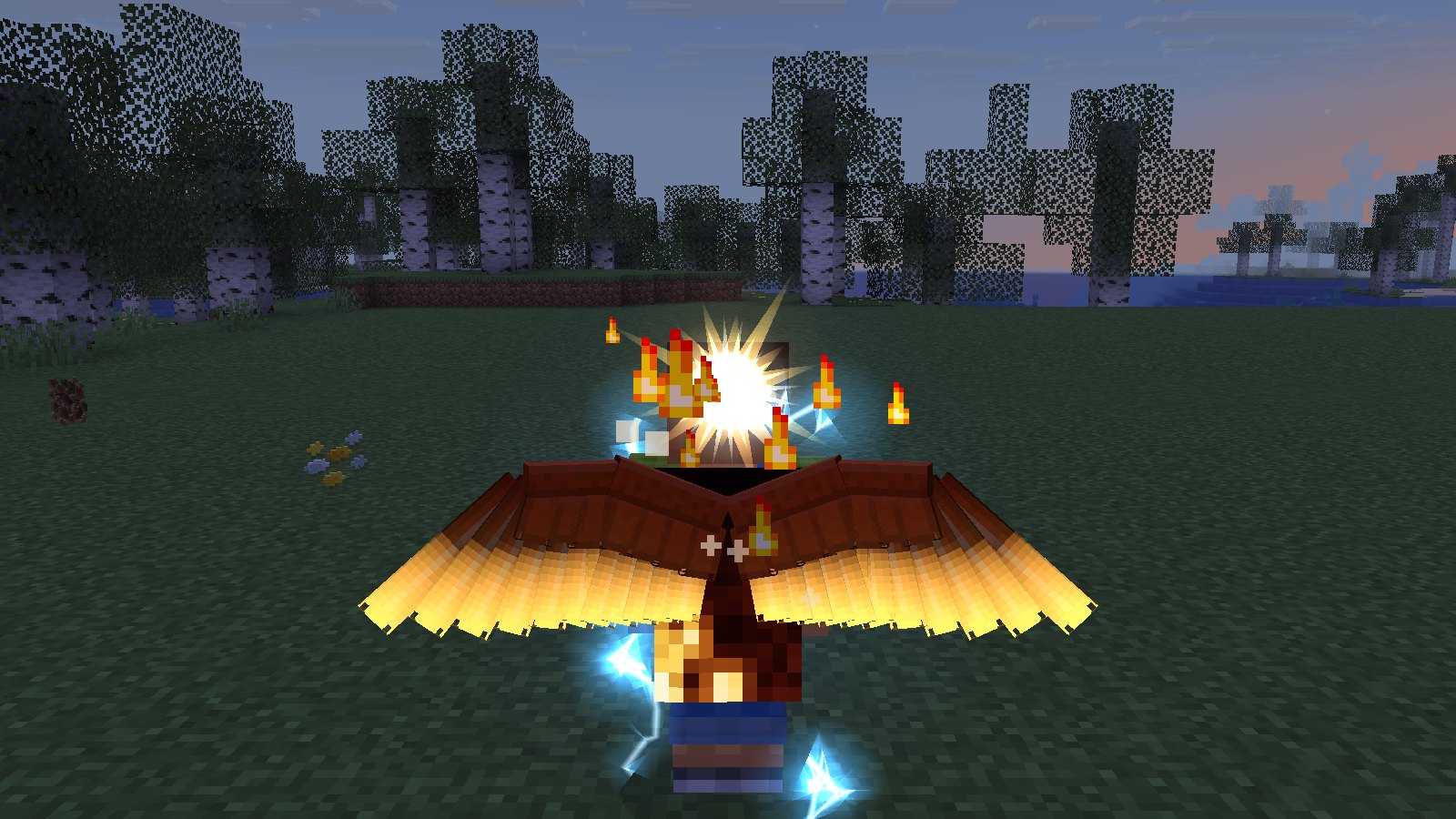
Installing takes a minute.
- Run the installerOpen the setup file you downloaded. If Windows SmartScreen appears, choose More info then Run anyway.
- Sign in with MicrosoftUse the account that owns Minecraft: Java Edition. Optionally add your Lumennox account for cosmetics.
- Pick a version, press Play26.3, 1.21.11 or 1.20.1. The first launch downloads the game; after that it starts in seconds.
System requirements
- SystemWindows 10 or 11, 64-bit
- Memory4 GB RAM (8 GB recommended)
- GraphicsOpenGL 3.3 or newer
- DiskAbout 1 GB per Minecraft version
- AccountMinecraft: Java Edition